
Thank you for downloading iMazing for Mac
Download did not start?
Click here.
Compatibility: macOS 10.12 or higher
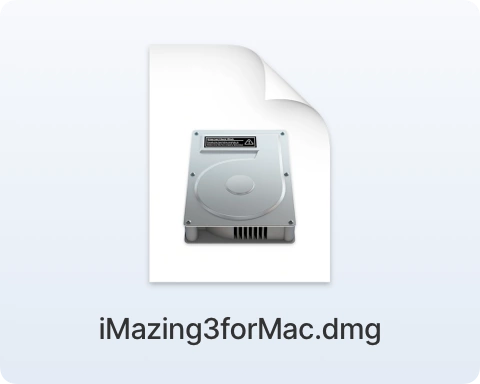
1.
The installation file is saved in your Downloads folder. Double click to open it.
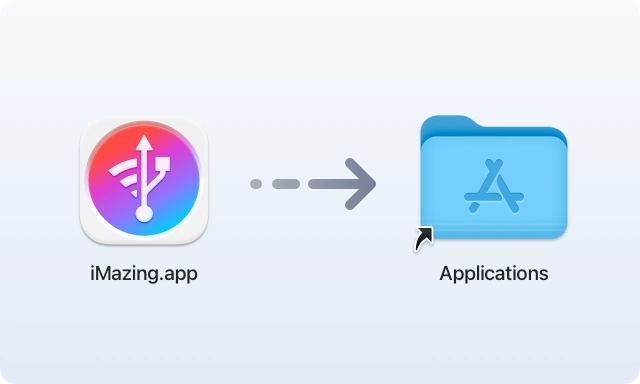
2.
Drag the iMazing icon to your Applications folder
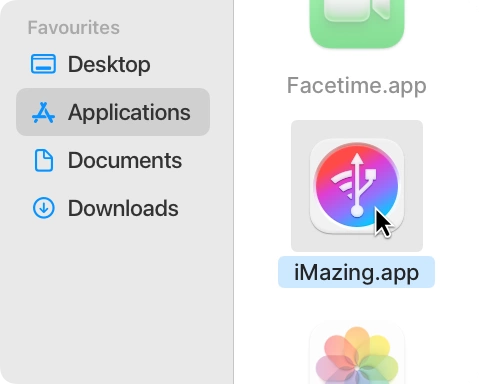
3.
Launch iMazing from your Applications folder.

