


Misc: "Cannot create a file when that file already exists" on Windows
Updated on Apr 22, 2026
Reading time ~1 minute
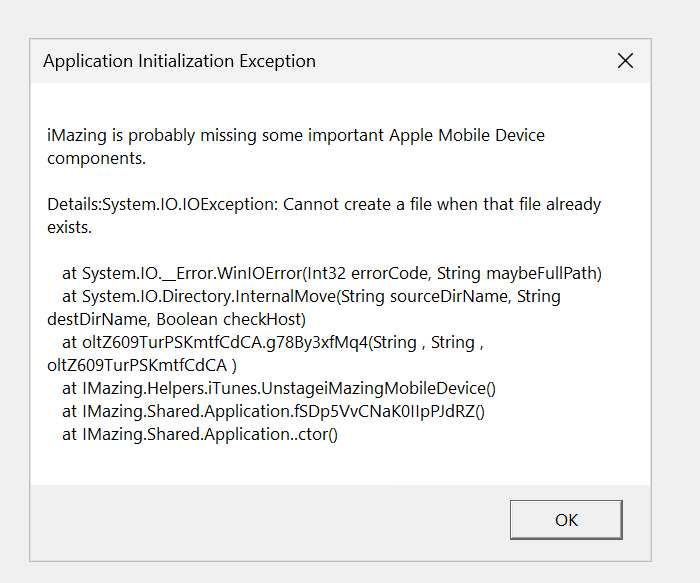
When launching iMazing on Windows, you may encounter this error:
Cannot create a file when that file already exists
This error typically appears when a leftover folder from a previous iMazing Apple components installation remains and iMazing lacks the permissions needed to replace the old version with the new one. Deleting that folder and reinstalling iMazing resolves the issue.
Delete the conflicting folder
- Close iMazing if it is open.
- Open File Explorer.
- Navigate to the following path:
C:\ProgramData\DigiDNA\iMazing\Note: The
ProgramDatafolder is hidden by default. To make it visible, open the View menu in File Explorer and enable Hidden items. Read more about how to view hidden files and folders in Windows. - Look for a folder named
MobileDeviceorAppleDrivers. - Right-click the folder and select Delete.
- Empty the Recycle Bin.
Reinstall iMazing
- Download the latest iMazing installer for Windows from imazing.com/download.
- Run the installer and follow the on-screen instructions.
iMazing should now install without errors.
If the error persists, please contact our support team.