


Check an iPhone or iPad's battery health and diagnostics
Updated on Jul 3, 2026
Reading time ~2 minutes
A new, fully charged iPhone will last a full day of reasonably heavy usage. But with each charge cycle, the battery gradually wears down, and older devices or devices with faulty or damaged batteries can lose charge much quicker than that.
Now, how do you get objective information on your battery's health? There's no mobile app for that, but iMazing features a dedicated battery info window that's there to inform you on your battery's overall health, and also provides all the technical nitty-gritty if you're interested.
iMazing even has a Low Battery Notification feature that will remind you to charge your device whenever it's running low.
Before you begin
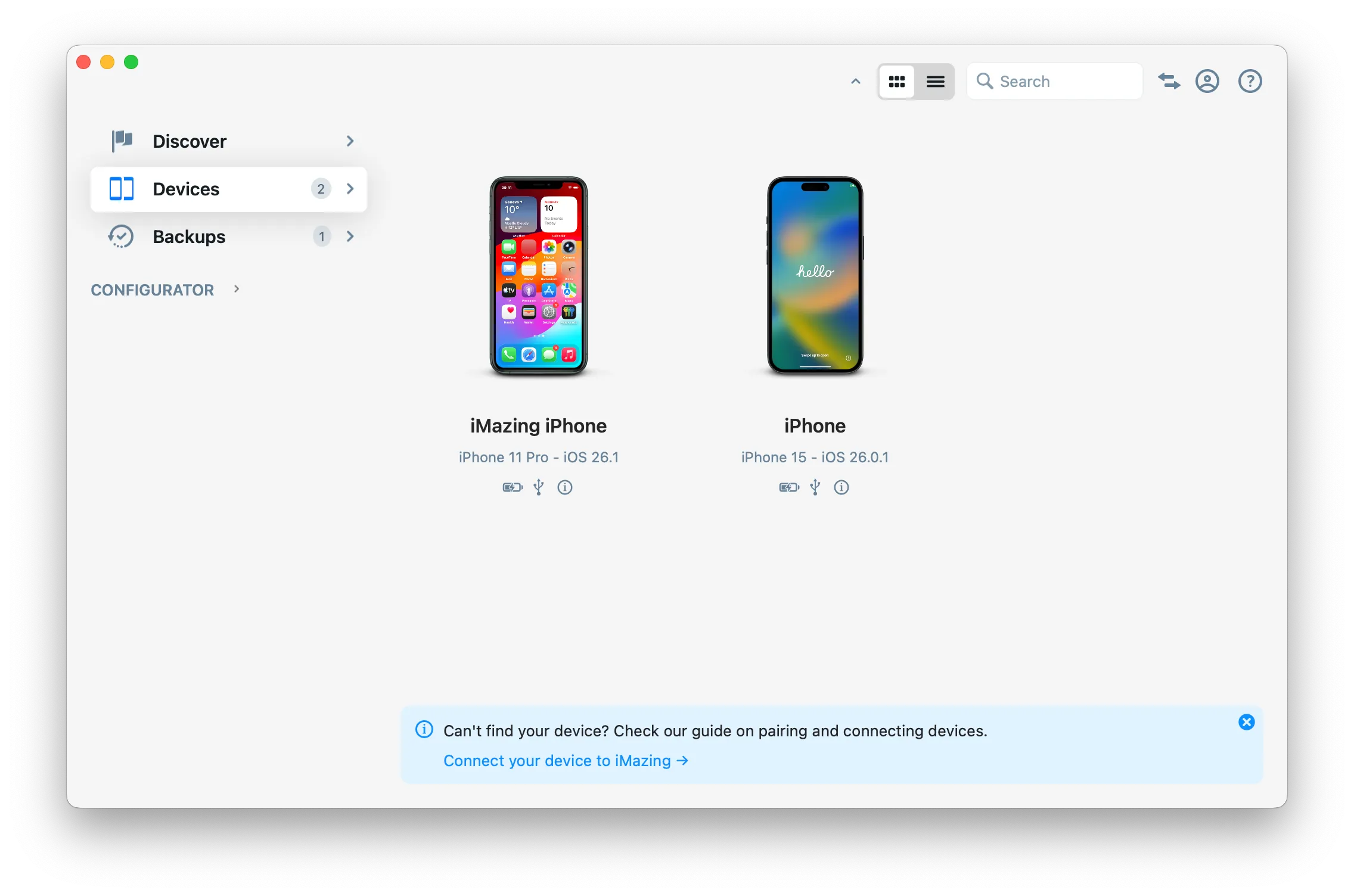
Launch iMazing and select your device
From the Devices section, select the device you want to verify and click on it.
Review you battery informations
While in the Overview, you'll see your battery charge status and health at the bottom right of the Device View.
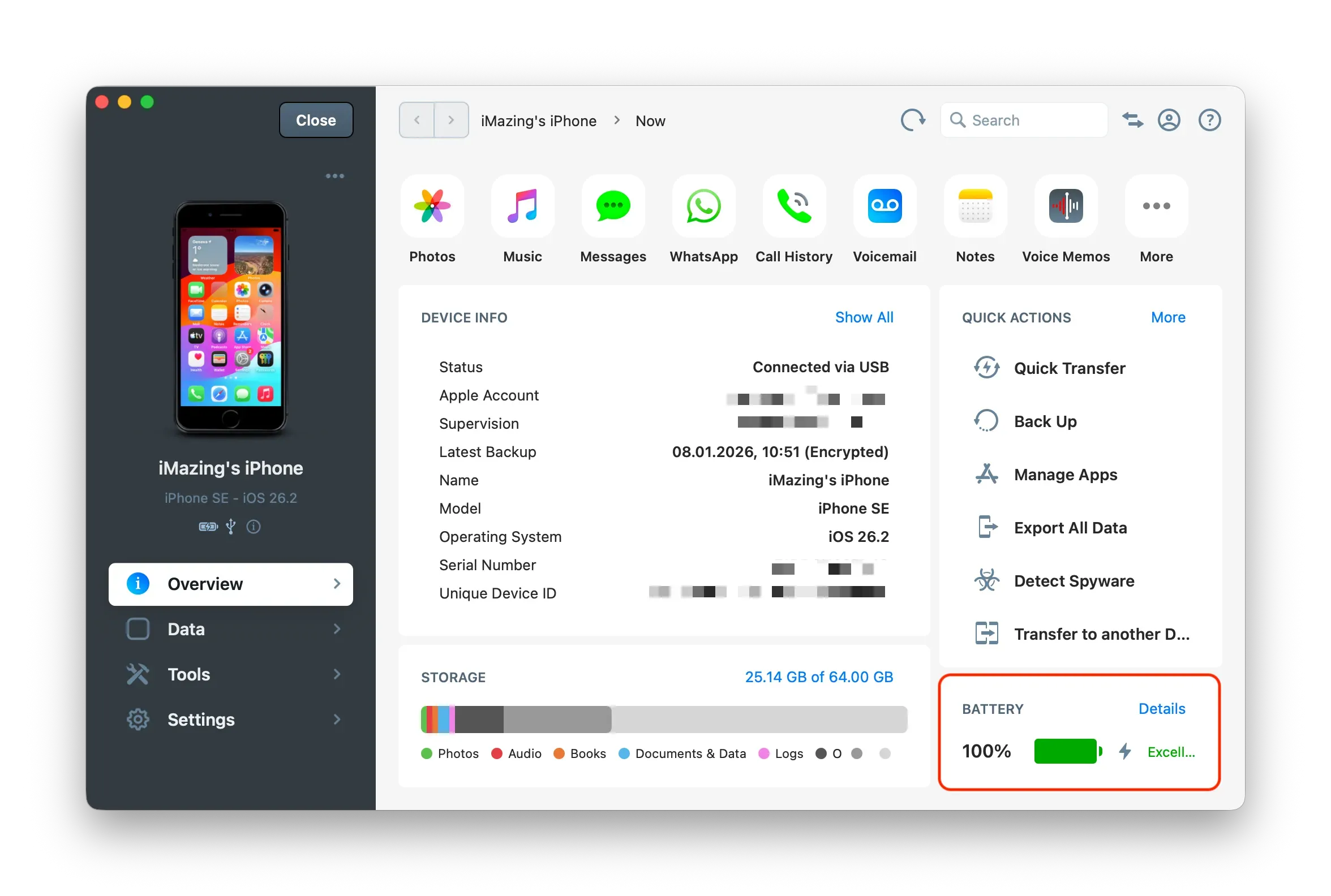
If you click on this rectangle, you can access more information regarding your battery
What to keep in mind
Battery Health refers to your battery's "Effective Maximum Charge":
Health | Capacity |
|---|---|
Excellent | Battery can hold its full capacity |
Good | Battery can hold between 90% and 99% of its original capacity |
Average | Battery can hold between 80% and 89% of its original capacity |
Poor | Battery can hold less than 80% of original capacity. Consider replacing your battery. |
Going further
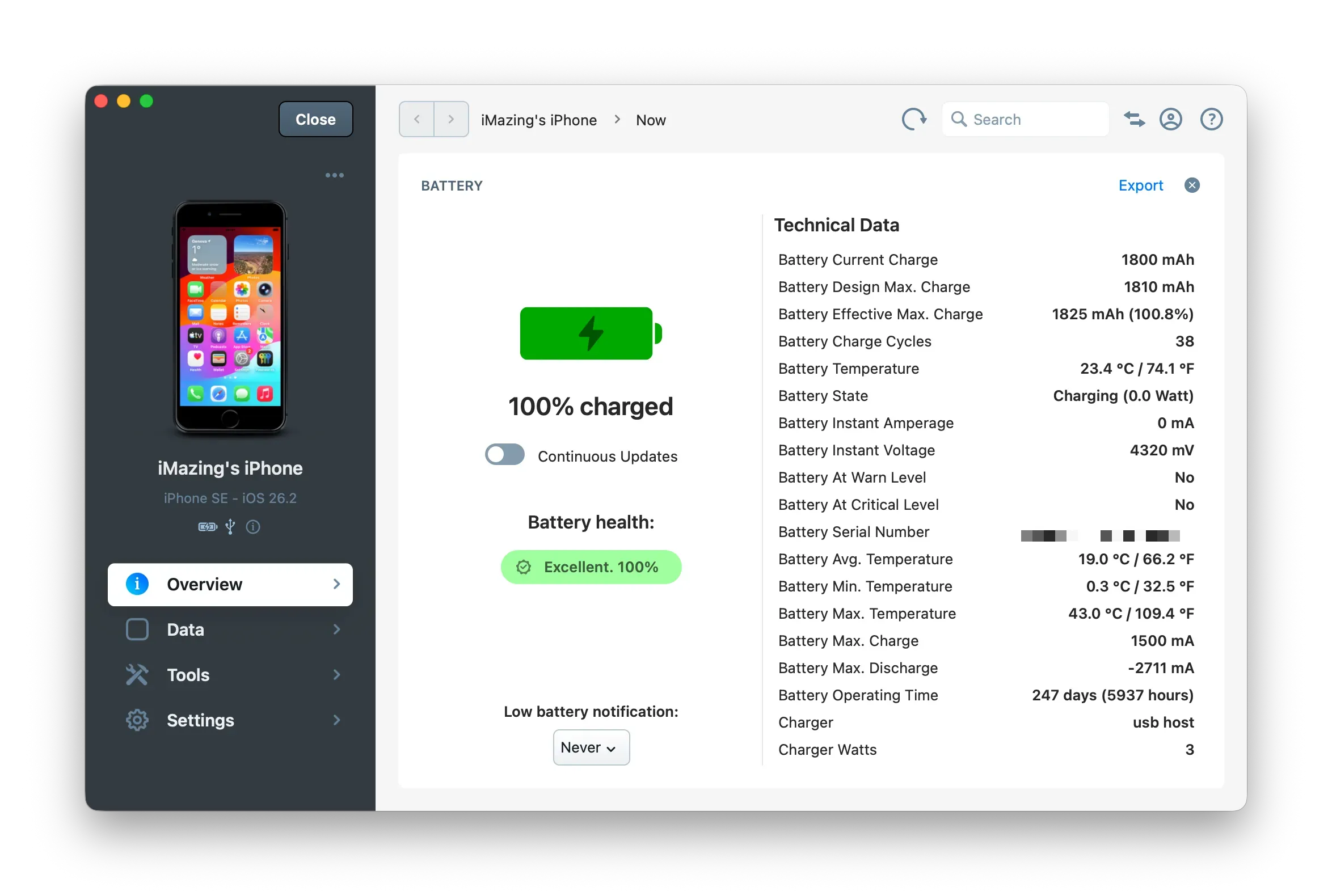
The Technical Data section of Battery Health shows detailed metrics about your battery’s performance.
Current Charge
The amount of power left before your battery needs to be recharged.
Design Max. Charge
The amount of power your battery is designed to hold.
Important: Not all batteries are created equal, and it is possible for your Design Max. Charge to different than what Apple advertised for your particular model.
Effective Max. Charge
Your battery's current charging capacity. This number decreases over time as you use your battery.
Important: Each battery is different, and it is possible for Effective Max Charge to be greater that your Design Max. Charge. If that's the case, your battery health will be be greater than 100%, lucky you!
Charge Cycles
A charge cycle happens when you use all of the battery’s power - but not necessarily in a single charge.
For instance, if you charge your phone daily and never fully drain your battery, it might take several days to complete a cycle.
And so much more…
Scroll down to view additional technical data as well as information about your charger if your device is currently charging.