


Overview Section in iMazing
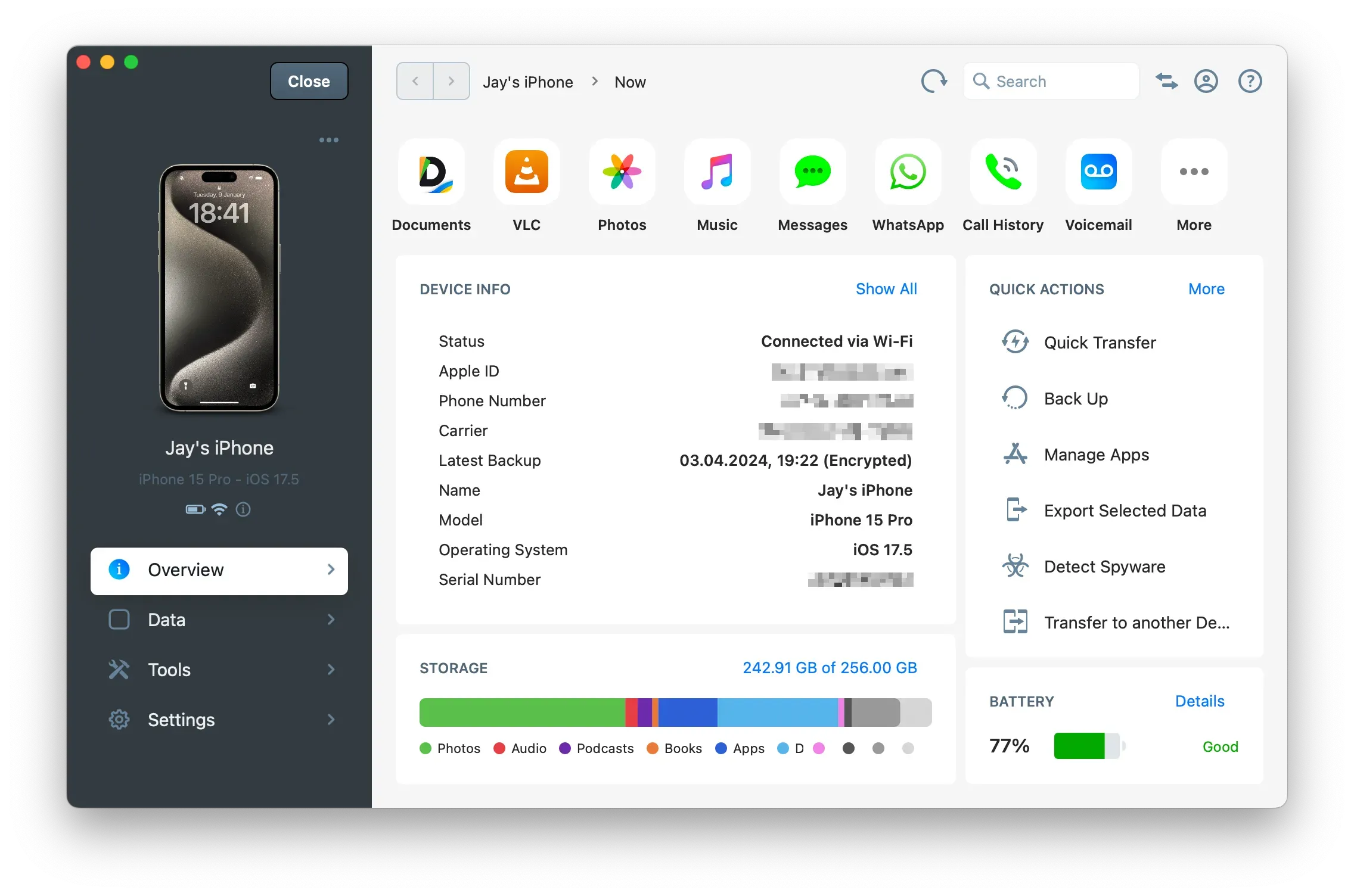
iMazing device Overview section gives you access to all specific information for one device.
This section also offers direct access to:
Data Sections
From here you'll find direct access to main data sections and shortcuts. Click More to view all available data sections and shortcuts.

Tip: You can also access these sections from the Data section in the left panel.
Device Info
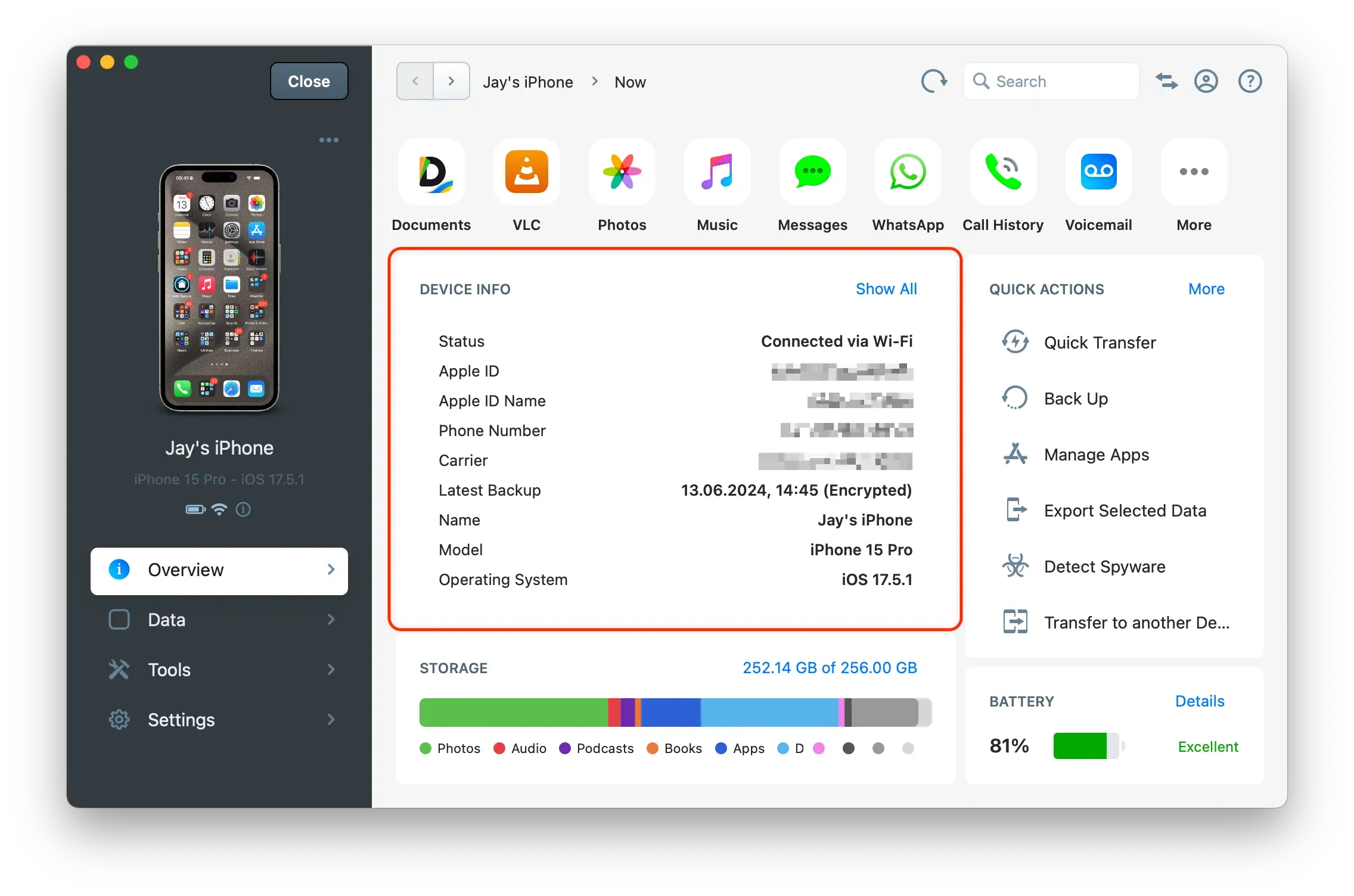
Device Info contains information about the selected device. The Overview displays the main information. Click Show All to view the complete list of available information.
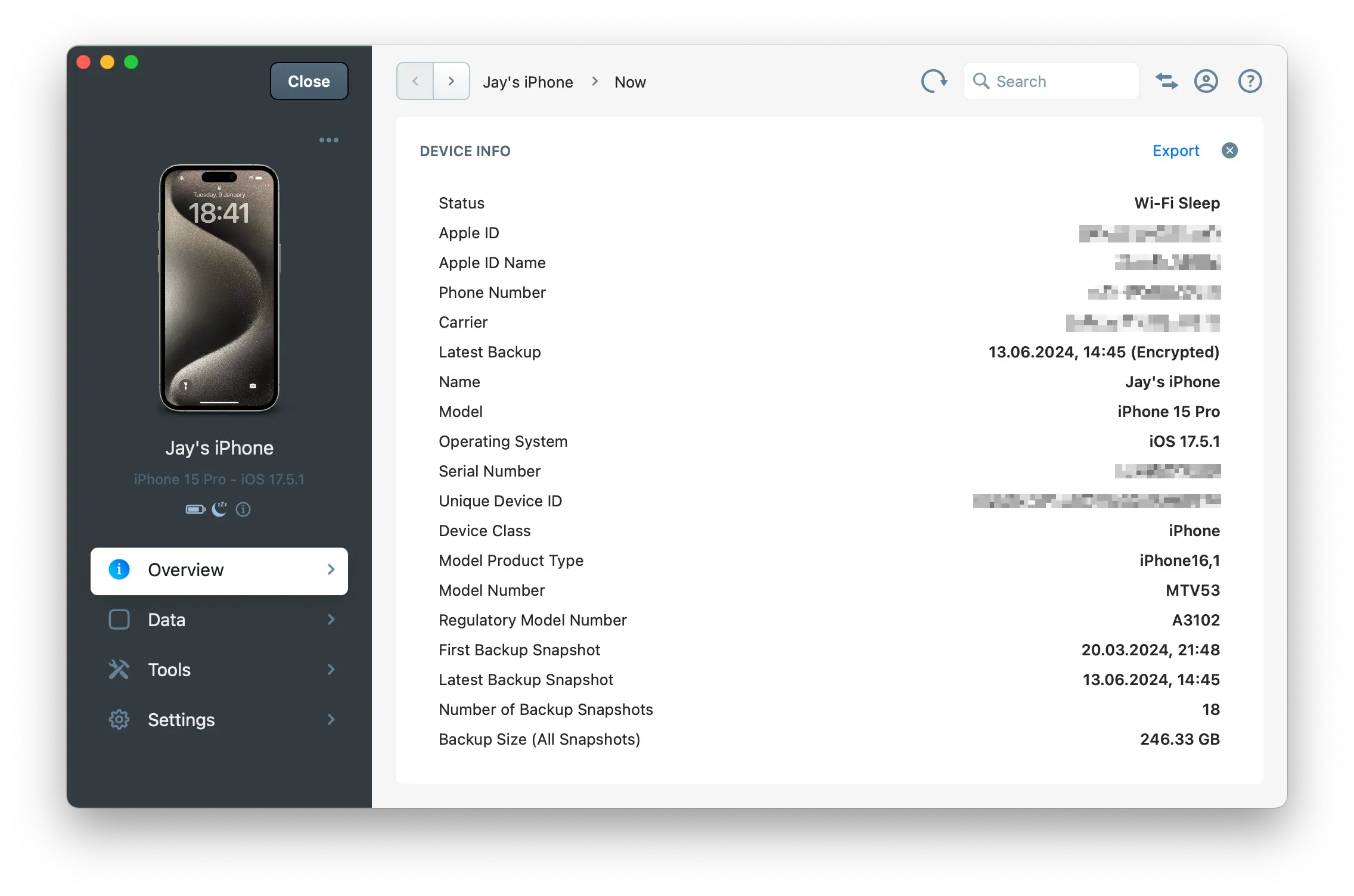
Tip: You can export all device information to a
.txtfile by clicking on Export.
For more information, refer to How to find an iPhone or iPad's UDID and other device info (serial,model, IMEI, …)?
Quick Actions
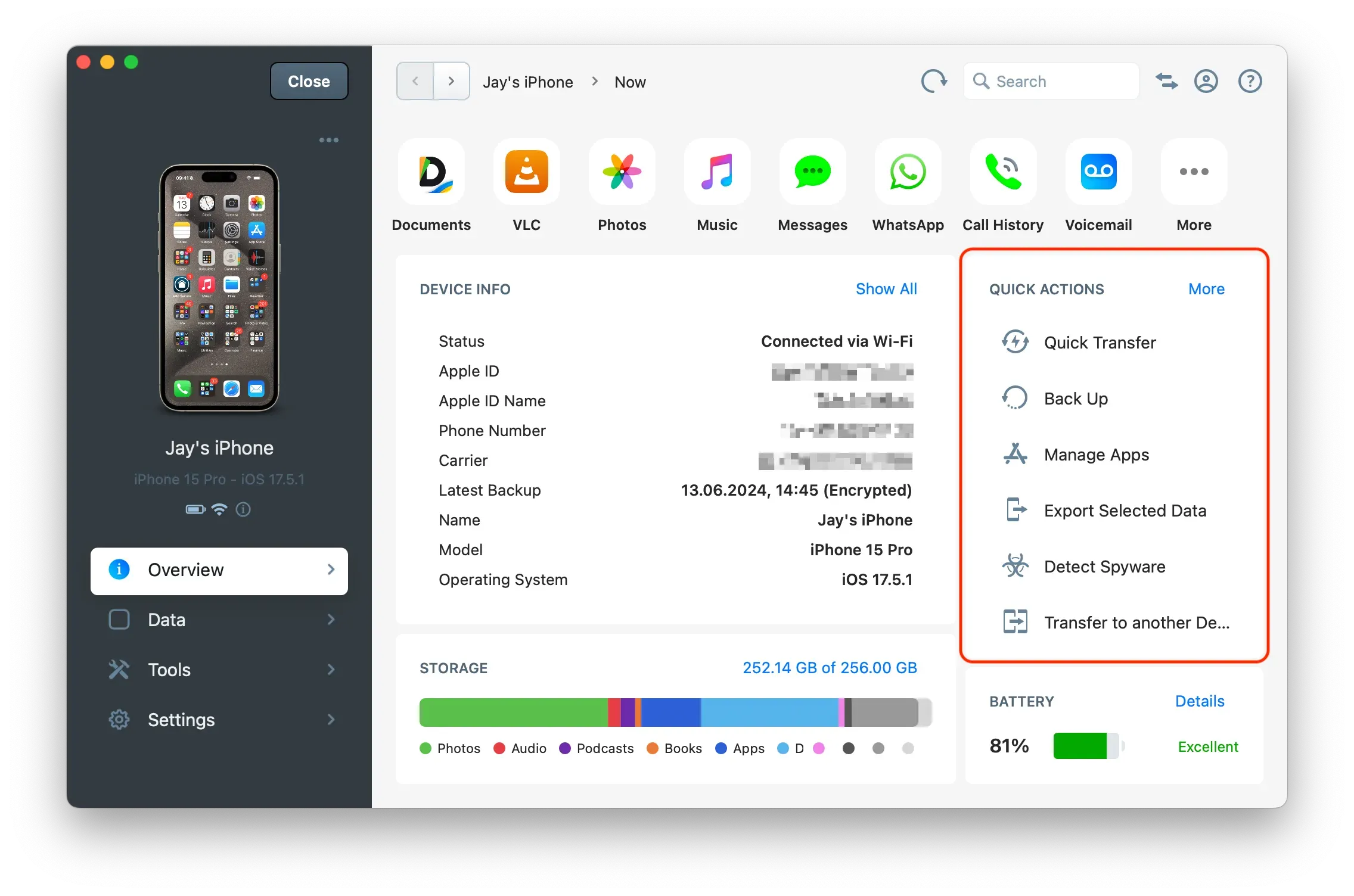
This area provides access to the primary actions and tools for this device. Click on More to view all available actions and tools. Alternatively, you can scroll in this window to view more actions and tools.
Tip: When iMazing is minimized, some actions may not be visible until you scroll down.
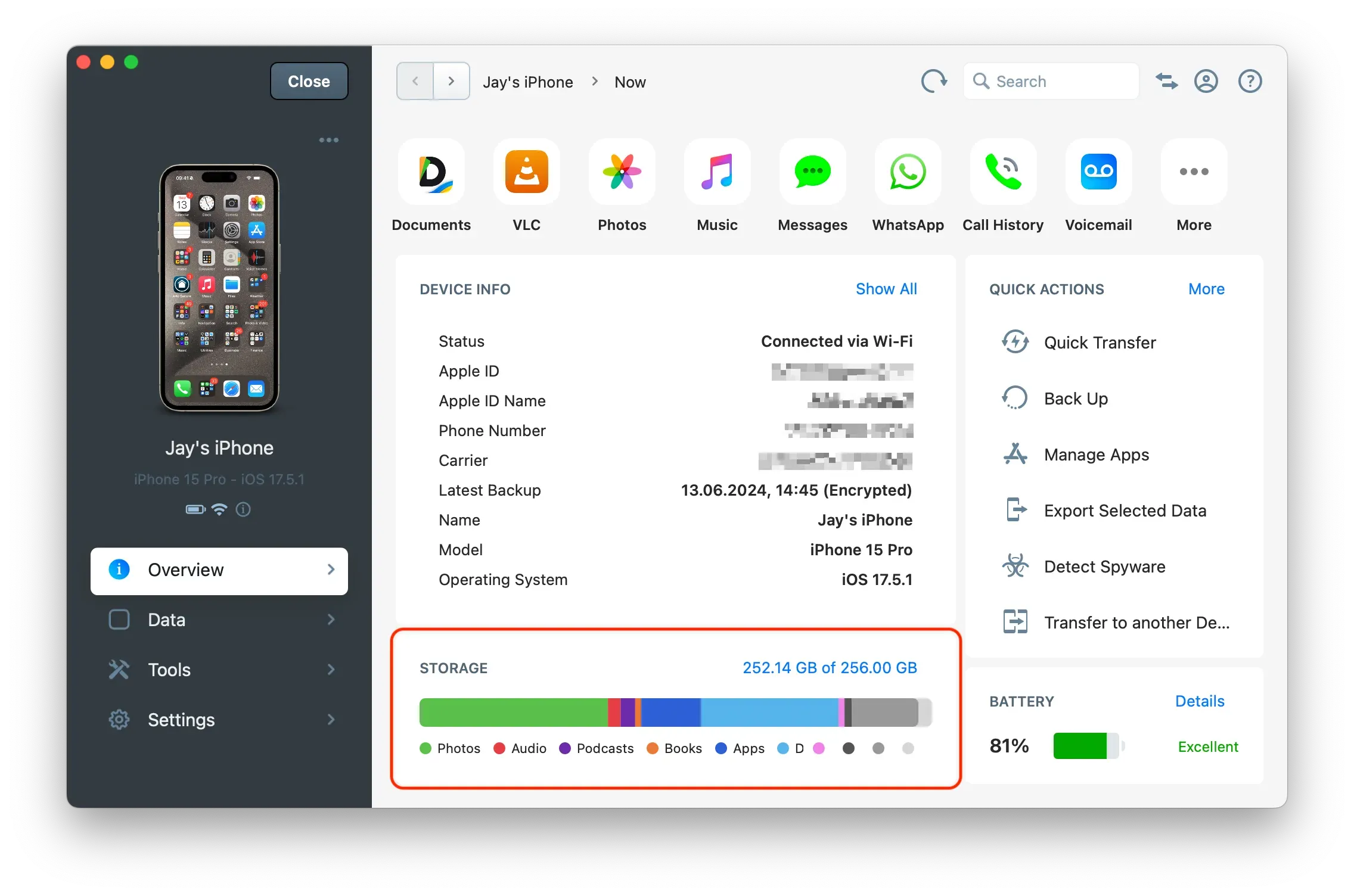
Storage Usage
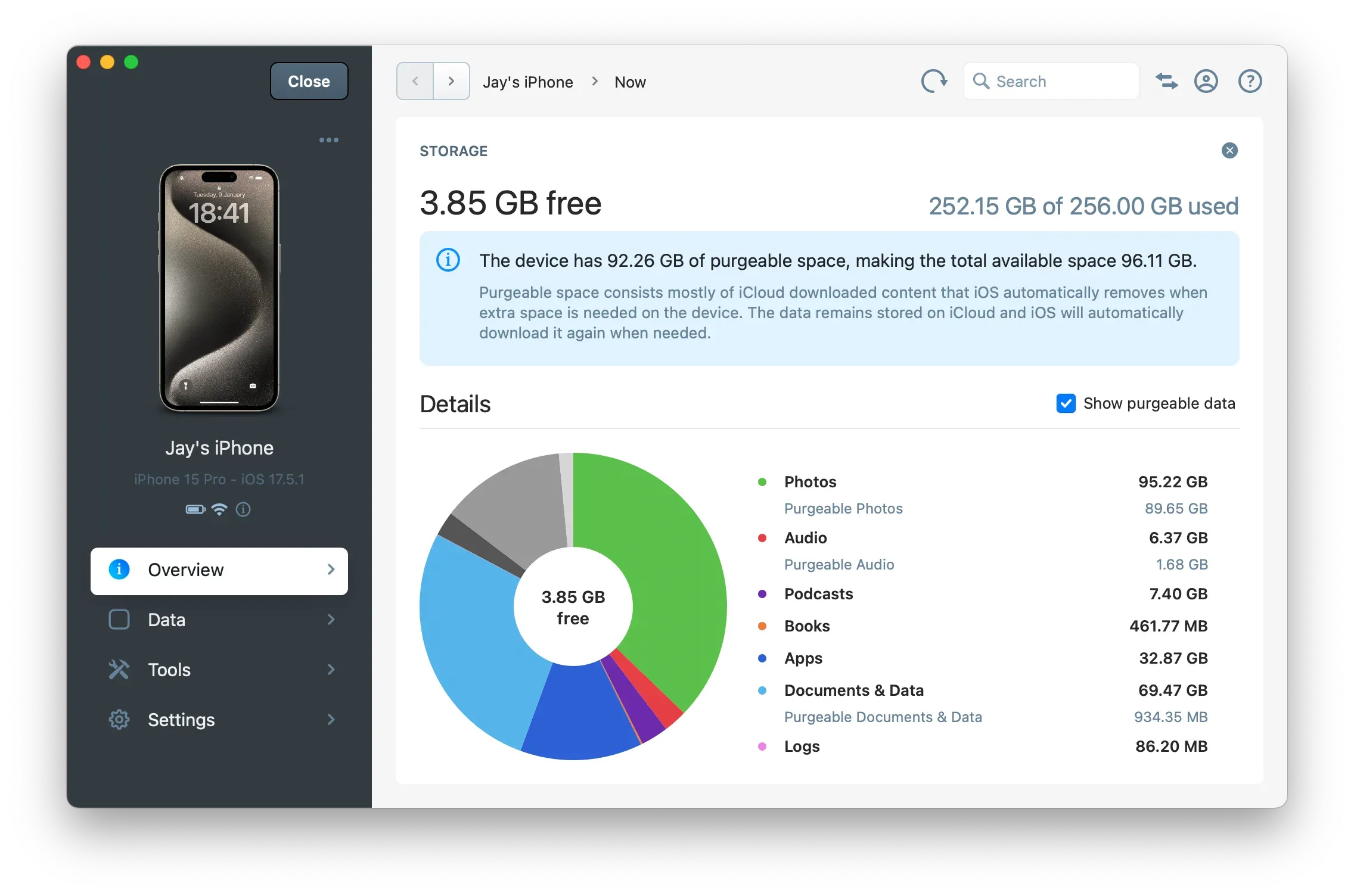
The Storage Usage bar provides a breakdown of the storage used by each type of data. Click the blue text to access a detailed pie chart and additional information related to disk usage.
Battery Health
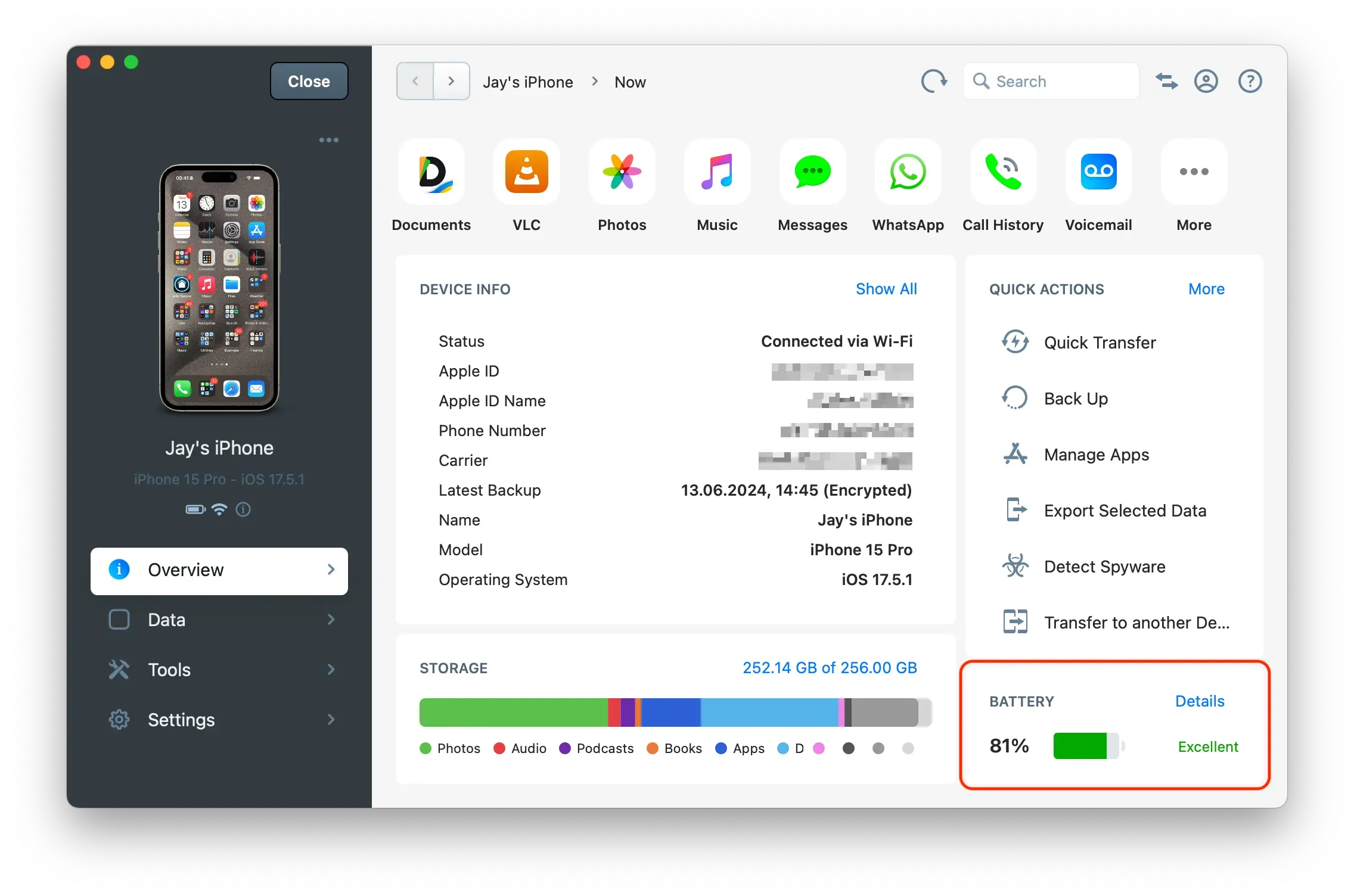
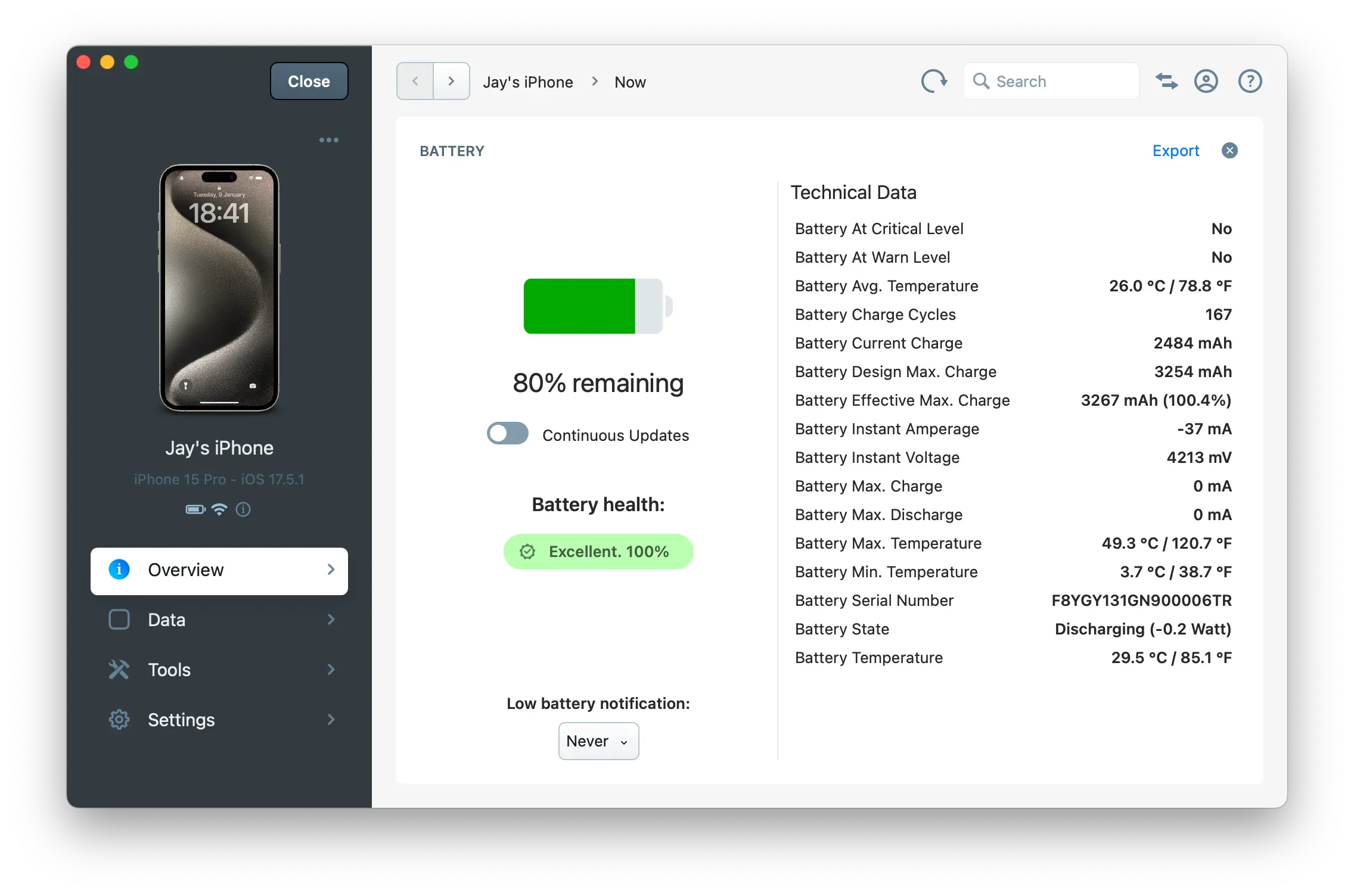
The battery health can be found in this area. Click on Details to access the full battery diagnostic.
For more information, see How to check an iPhone or iPad's battery health and diagnostics?