


iMazing 3.6.5: Support for new iPhone 18 Pro, iPhone Duo, and More
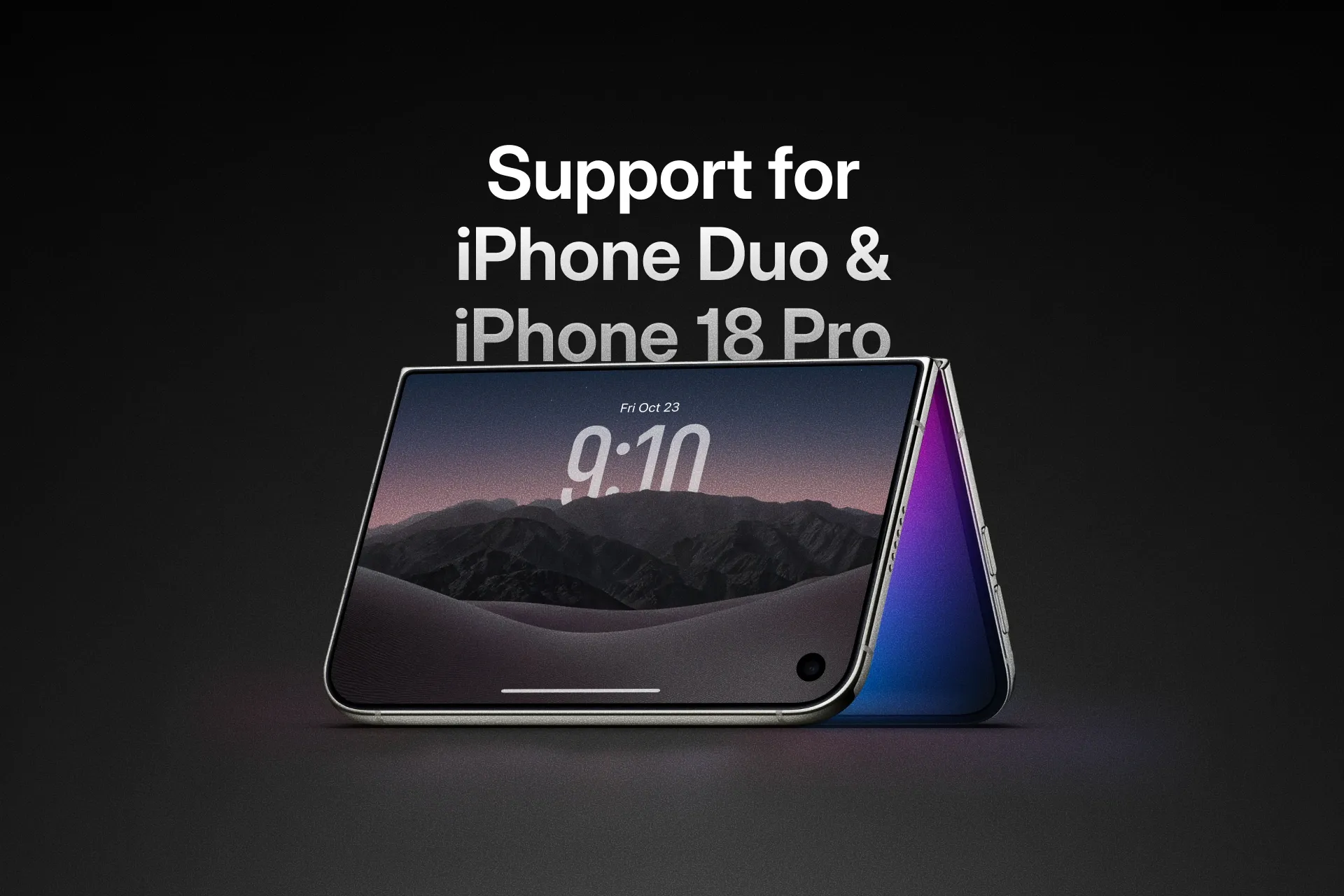
iMazing now supports Apple’s latest devices: iPhone 18 Pro, iPhone 18 Pro Max, iPhone Duo, Apple Watch Series 12, and Apple Watch Ultra 4. Compatibility is already available ahead of the official release of iPhone Duo, so iMazing users will be ready from day one.
The update also lets you export a complete log archive directly from the Unified Logs view. It also adds a link to the iMazing Support Chatbot in the main window’s toolbar.
Support for the Latest iPhone and Apple Watch Models
iMazing continues to keep pace with Apple’s hardware releases. The latest version adds support for:
- iPhone 18 Pro
- iPhone 18 Pro Max
- iPhone Duo
- Apple Watch Series 12
- Apple Watch Ultra 4
This covers the essential workflows iMazing users rely on to manage, back up, transfer, and access device data from a Mac or PC. See the full list of supported devices and operating systems in the iMazing technical specifications.
Support for iPhone Duo is available even before the device’s official release. If you are planning to upgrade to one of Apple’s latest devices, you can install this new iMazing update now and be ready when it arrives.
Export Complete Unified Log Archives
A complete log archive file can now be exported directly from the Unified Logs view. This makes it easier to capture the full archive for troubleshooting, analysis, or preservation while working with device logs in iMazing. See our dedicated guide for more details: view and export Unified Logs from iOS devices.
A New Way to Get Answers About iMazing
The latest update also makes the new iMazing Chatbot easier to reach. A dedicated link in the main window’s toolbar opens the AI assistant in your web browser. The chatbot is not built into the iMazing app and does not access your devices or their data.
Unlike a general-purpose chatbot, the iMazing Support Chatbot is customized with the complete iMazing documentation knowledge base. It can provide immediate answers, step-by-step guidance, and help with more complex scenarios, including questions about iMazing Business and iMazing CLI.
Our support team remains available whenever you need help from a human. For an immediate answer or a guided walkthrough, open the iMazing Chatbot. You can also browse the iMazing Support Center.
Other Fixes and Improvements
This update also includes several targeted fixes and improvements:
- Notes: Fixed scanned documents from iOS 26 displaying only their first page.
- Manage Apps: Fixed app downloads failing immediately with a 429 “Too many requests” error. We are still working on restoring app downloads on macOS 27 Golden Gate and Windows.
- Apps: Fixed shared app group containers missing from
.imazingappfiles exported from backups. - Music: Fixed a crash on Windows 7.
Update to iMazing 3.6.5 Today
The latest iMazing update is available for macOS and Windows. Update now to gain support for the newest iPhone and Apple Watch models, direct export of Unified Logs archives, rapid access to the iMazing Chatbot, and recent fixes and improvements.
Download iMazing 3.6.5 for macOS and Windows