


iMazing Profile Editor 2.2: Flexible Payload Editing and Smarter Signing
We are pleased to announce the release of iMazing Profile Editor 2.2 for macOS. This update focuses on two areas: a significant expansion of payload editing flexibility with copy-paste and drag-and-drop support, and a more reliable and transparent signing identity workflow.
Payload Copy-Paste and Drag and Drop
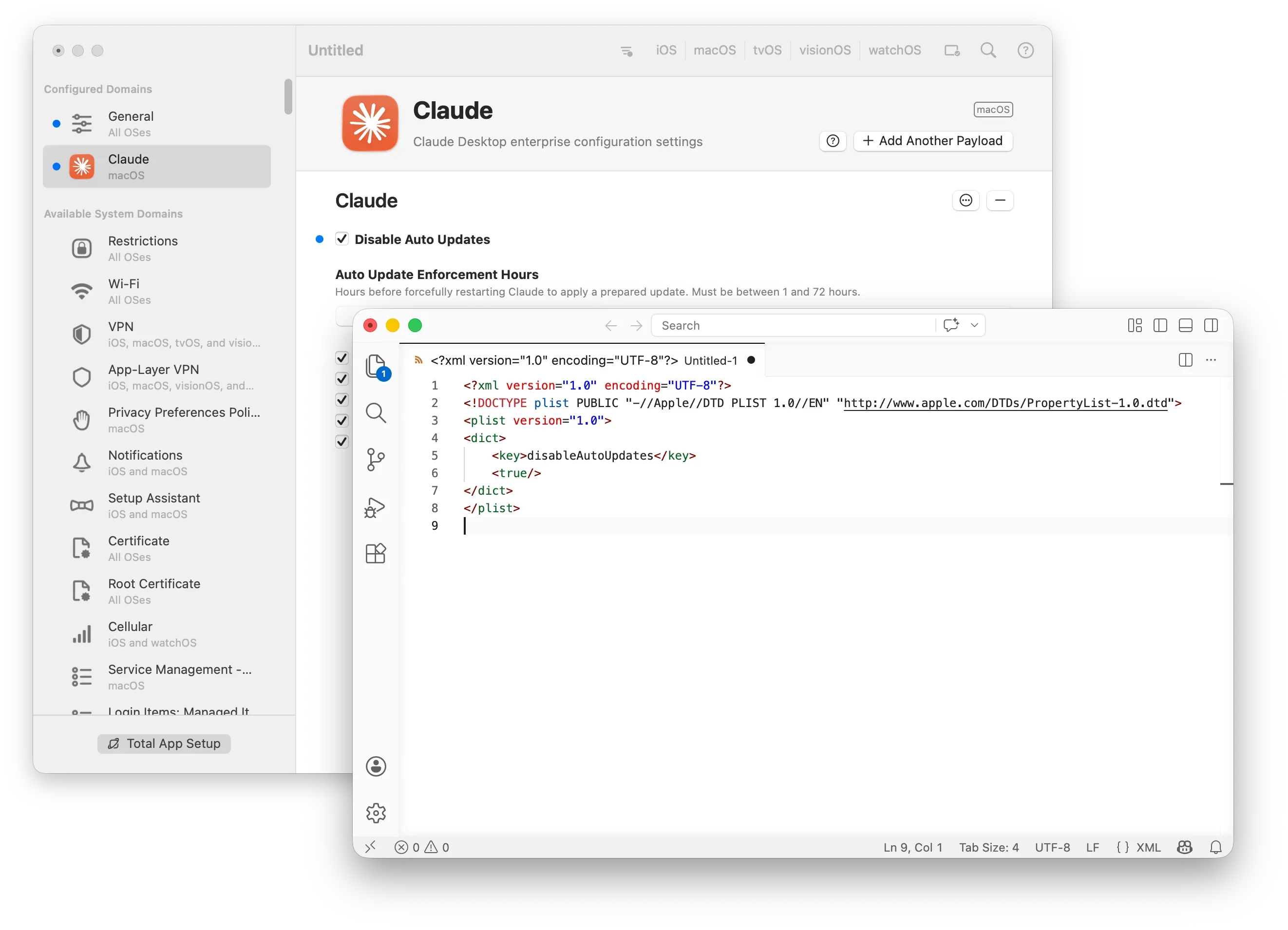
Payloads can now be copied and pasted between profile windows, as well as to and from any text editor. When pasting in from a text editor, iMazing Profile Editor will attempt to auto-detect the payload type, reducing the need for manual selection.
Drag and drop follows the same logic: payloads can be dragged between open profile windows, and to and from Finder. When dragging in from Finder, the payload type is determined from the file content when available, and from the filename otherwise.
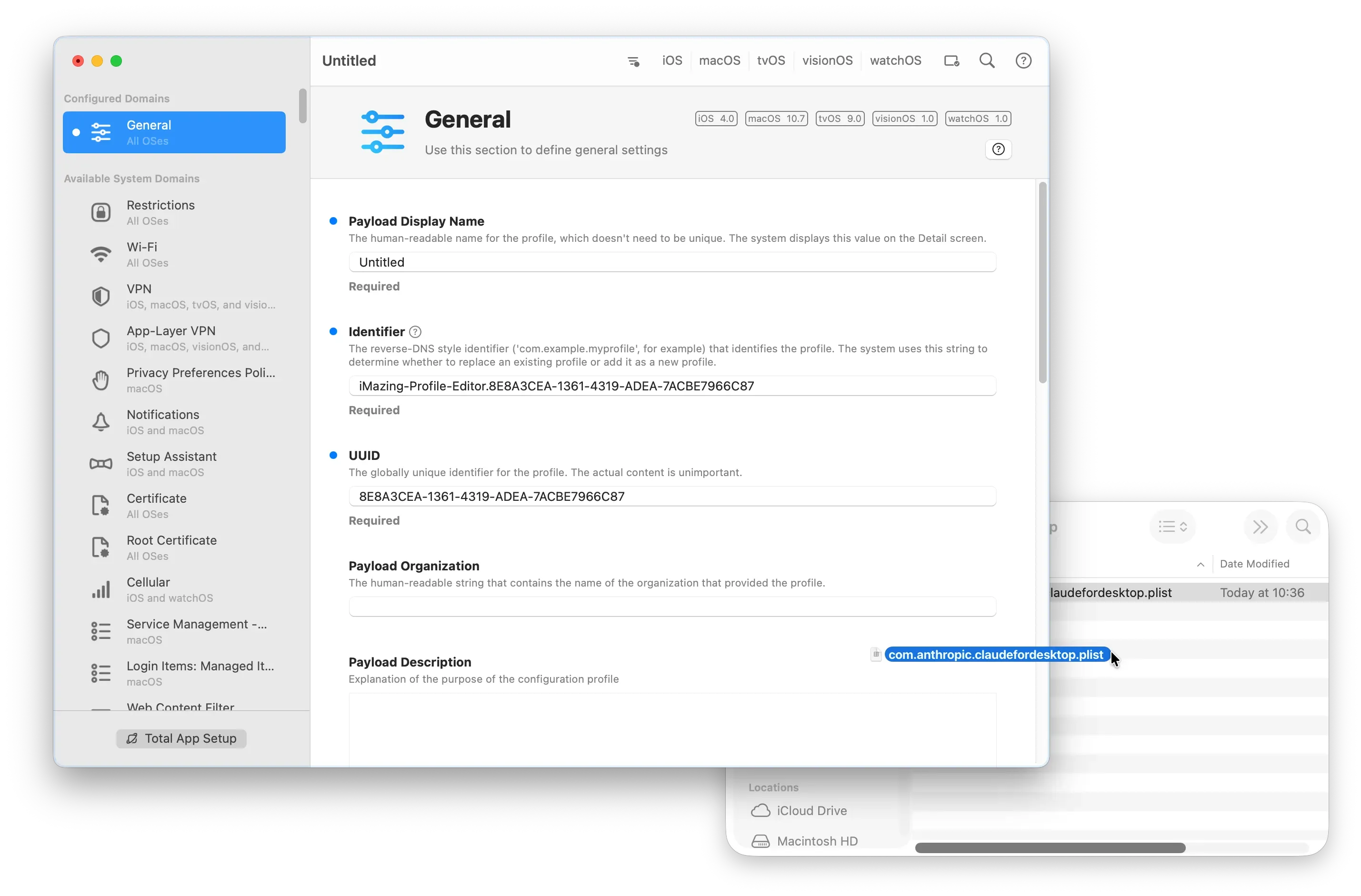
Both copy-paste and drag-and-drop operations support plist and JSON formats. Dragging out to Finder exports as plist.
JSON Support for Import and Export
Payload import and export operations now support JSON alongside the existing plist support, giving administrators more flexibility when working across tools and workflows that favor one format over the other.
Smarter Signing Identity Handling
The profile signing field now clearly labels expired identities and displays serial numbers when multiple identities share a common name, making it easier to select the right certificate without ambiguity.
Alerting about unavailable signing identities has also been moved from profile-load to profile-save, so warnings surface at the point they are actionable rather than on open.
Other Improvements
- System Settings now opens directly on the Profiles section when choosing to install an open profile. Optionally, an attempt can also be made to dismiss the “Profile Downloaded” notice.
- Finder now prefers launching the standalone version when both standalone and bundled installs are present.
- On macOS Tahoe (26), the app icon adapts to the user-set icon style.
Fixes in 2.2
- Fixed an ambiguity issue that could cause an incorrect signing identity to be used when the selected identity shared its common name with other installed identities.
- Resolved the incorrect marking of profiles as unsaved after completing profile installation.
Download iMazing Profile Editor 2.2
iMazing Profile Editor is a free tool, available as a direct download and on the Mac App Store.
Full release notes: iMazing Profile Editor 2.2 macOS release notes.