


Configurator for Windows and Unified Logs Dataset in iMazing 3.6
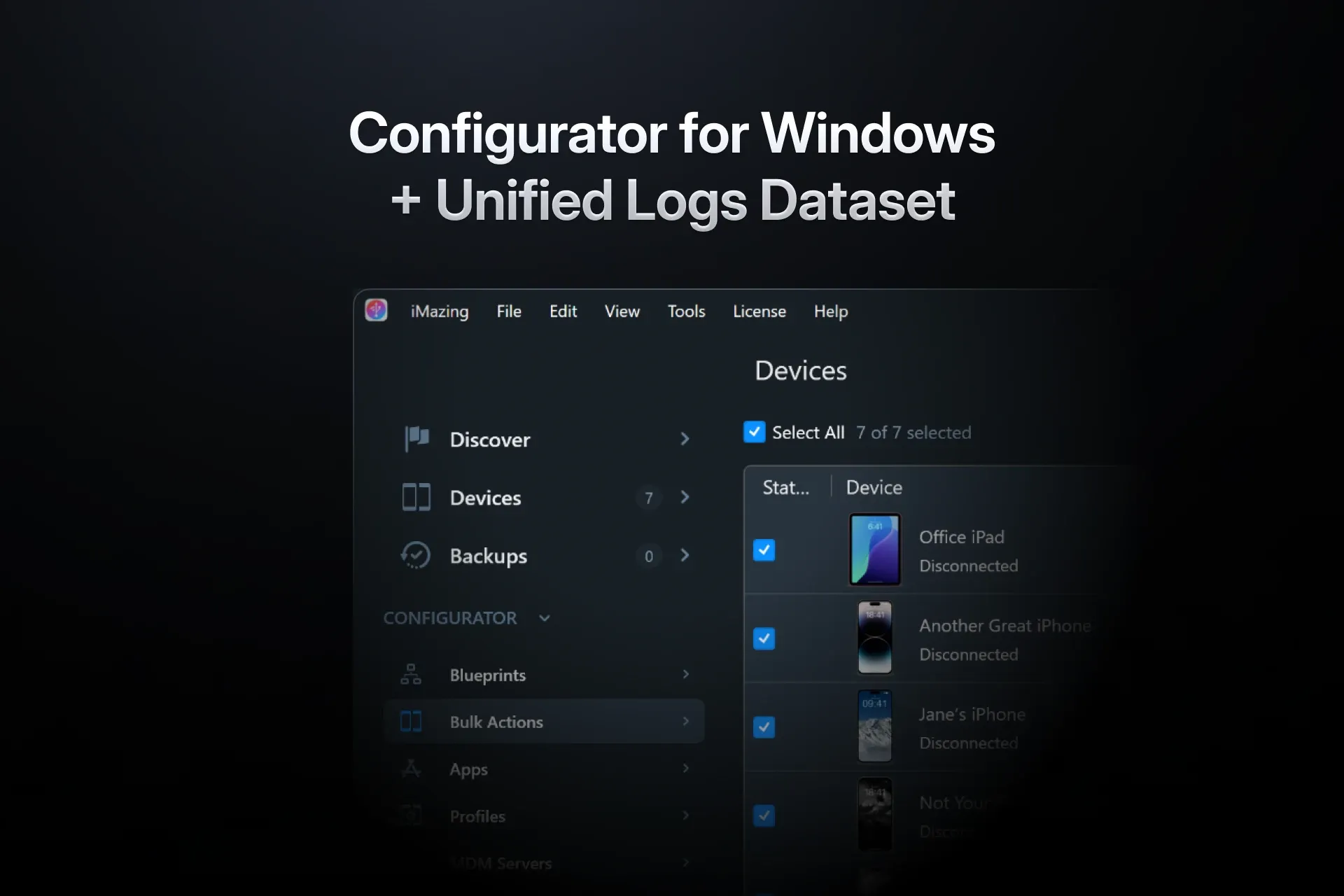
iMazing 3.6 introduces two major features for professional users. A first version of iMazing Configurator, our device provisioning toolset, is now available on Windows. Also, the new Unified Logs dataset lets you browse, filter, and export iOS system logs to Excel or CSV on macOS and Windows.
Configurator Comes to Windows
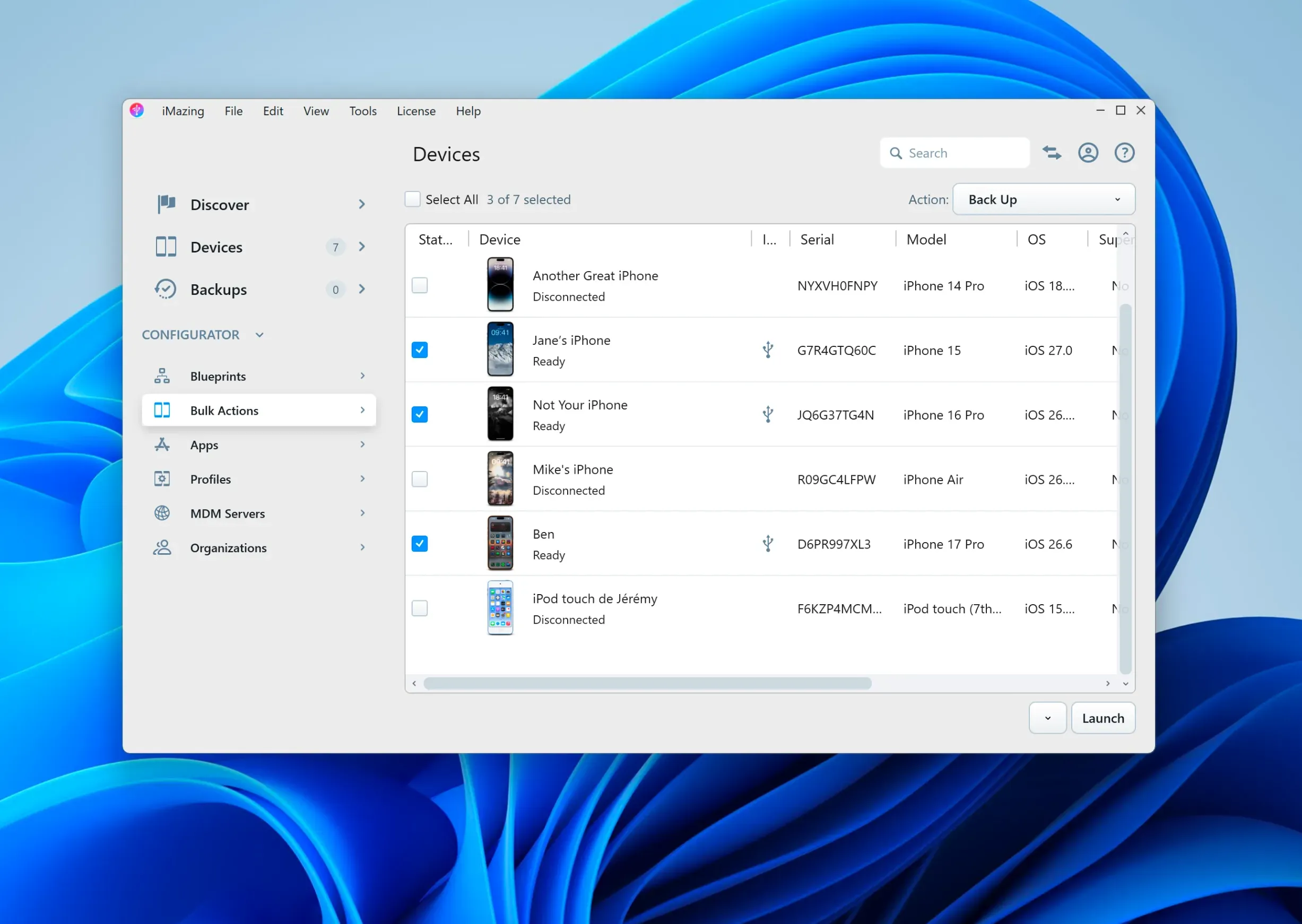
iMazing Configurator helps system administrators configure and provision fleets of Apple mobile devices. Blueprints bundle supervision, MDM enrollment, configuration profiles, apps, and a range of actions, such as erasing devices, creating backups, and installing iOS updates, into a reusable template you can apply to multiple devices at once.
With 3.6, iMazing Configurator is available on Windows for the first time. Blueprints created on a Mac can be exported in our AES-encrypted .blueprint format, then imported and applied on Windows workstations.
The blueprint editor is currently macOS-only, and we plan to bring it to Windows in an upcoming update. For now, a single Mac can be used to author blueprints, while Windows machines handle deployment. For organizations with Windows-based IT, provisioning stations no longer need to be Macs.
For a closer look at blueprint options and workflows, see our detailed iMazing Configurator guide.
iMazing Configurator is available with an iMazing Business subscription.
Apple Unified Logs, a New Dataset
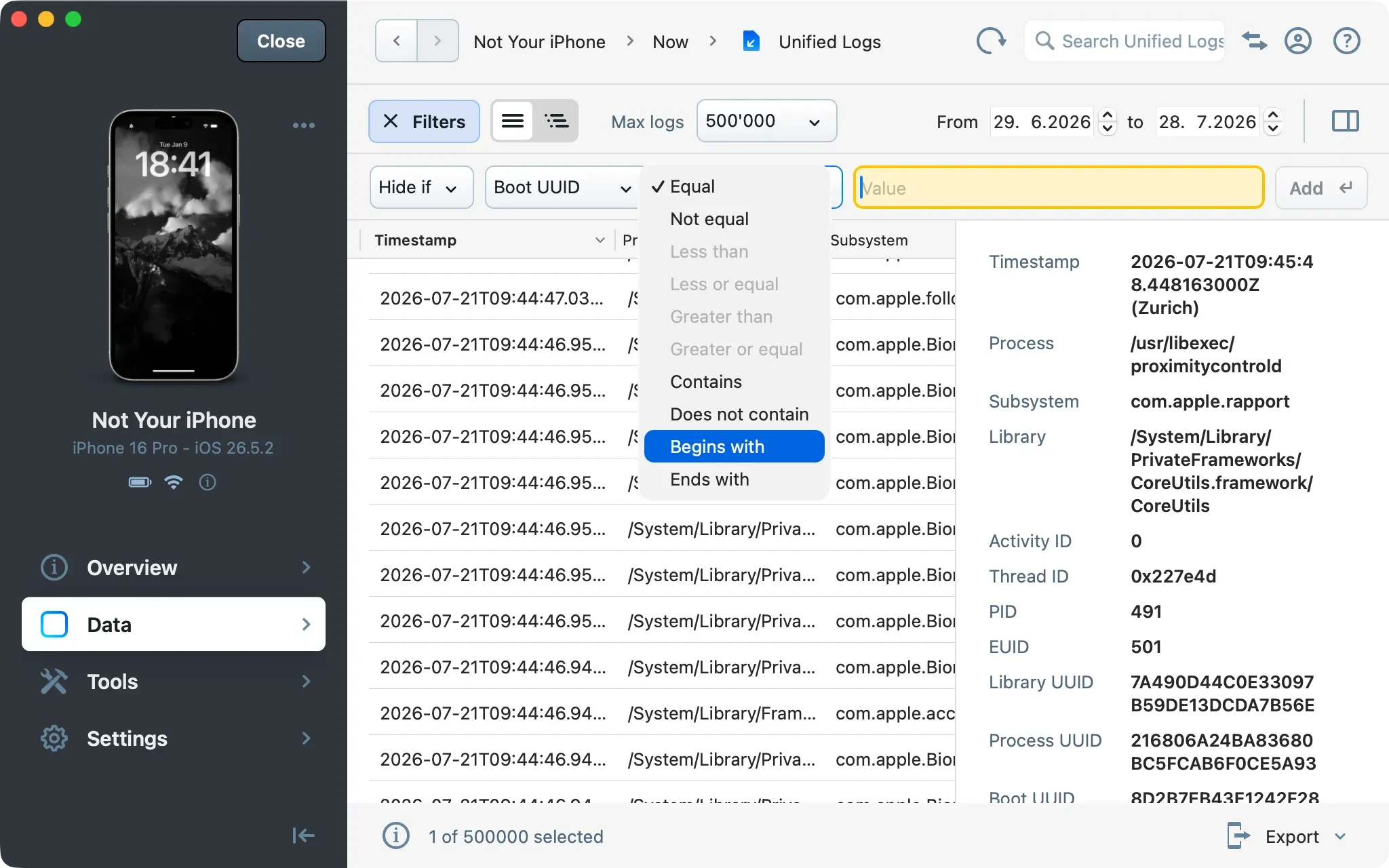
Apple's Unified Logging system records detailed activity across iOS. iMazing has long supported exporting these logs as a .logarchive file for the Console app on macOS. The new Unified Logs dataset instead loads them directly from a connected iPhone, iPad, or Apple Watch into a sortable table inside iMazing, on macOS and Windows alike. Select any entry to inspect its full metadata in a detail panel.
Advanced filtering narrows thousands of log entries to the ones that matter. Filter by Process, Subsystem, Message, PID, and a dozen other fields, and combine inclusion and exclusion rules into compound conditions. Date range and log limit controls determine how much iMazing retrieves. Because log data can be extensive, retrieval is noticeably faster over USB than over Wi-Fi. Export to Excel or CSV, for all entries or a selection. This is useful for debugging apps or system issues, and for e-discovery and forensic workflows.
A detailed guide is available here: View and export Unified Logs from iOS devices
Also in 3.6
- On Windows, iMazing can now pause OneDrive sync while backing up to a OneDrive folder, then resume it once the backup is complete. Here’s how it works.
- iMazing 3.6 also brings two-way music transfer to legacy iPods such as classic, mini, and nano, including shuffle on Windows. Read more about the feature, delivered just in time for the surprising revival of the iPod classic, in this dedicated blog post!
Update to 3.6 Today
iMazing 3.6 is available now as a free update for iMazing 3 users.
Download iMazing 3.6 for macOS and Windows