Tools Section in iMazing
Updated on Jul 11, 2026
Reading time ~5 minutes
The iMazing Tools section provides access to all tools and actions for managing your devices, transferring data, restoring backups, exporting specific data, and many other features.
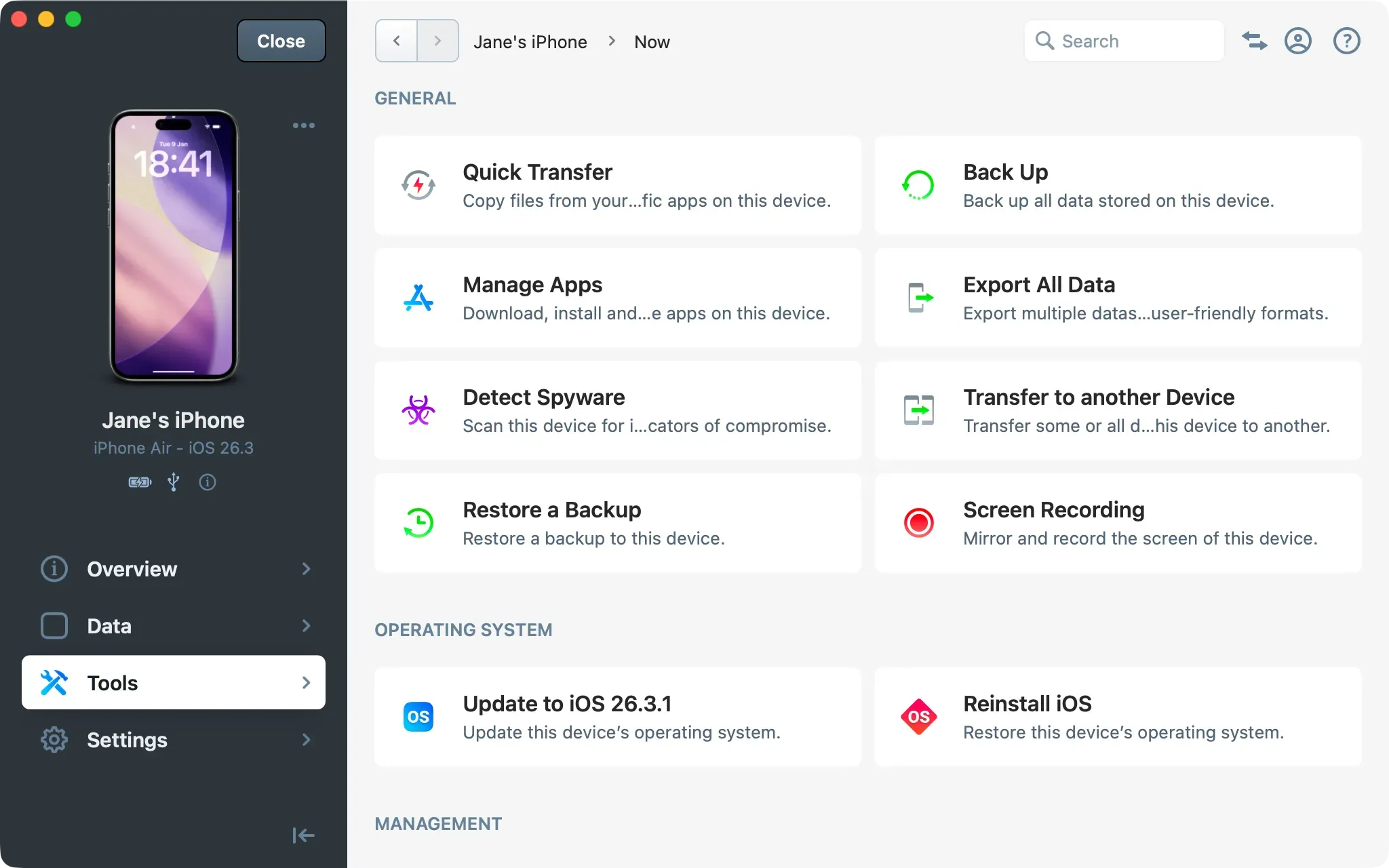
The Tools section is where you'll launch most common operations. Some tools like "Restore a Backup" display a step-by-step wizard, while other actions take effect immediately. The list of available tools and actions varies depending on whether you're browsing a device or a backup.
The Tools section is organized into different categories, each containing related tools or actions specific to a device or a backup.
For an Apple device
General
- Quick Transfer
Copy files from your computer to specific apps on this device - Back Up
Back up all data stored on this device - Manage Apps
Download, install and update apps on this device - Export All Data
Export multiple datasets from this device in user-friendly formats - Detect Spyware
Scan this device for indicators of compromise - Transfer to Another Device
Transfer some or all data from this device to another - Restore a Backup
Restore a backup to this device - Screen Recording
Mirror and record the screen of this device
- Quick Transfer
Operating System
- Update OS
Update this device's operating system - Reinstall OS
Restore this device s operating system
- Update OS
Management
- Supervision
Supervise this device and apply advanced configurations - Enroll in MDM
Enroll device in MDM while preserving its data.This option invokes Automated Device Enrollment (ADE/DEP) for devices registered in Apple Business Manager or Apple School Manager without erasing existing data. If you continue, the device will be backed up, restored from backup, and will then restart. After restarting, the "Device Management" screen in the iOS/iPadOS Setup Assistant will appear where you can enroll the device in its assigned MDM. - Apply Blueprint
Apply iMazing Configurator blueprints
- Supervision
Backup
- Manage Backup Snapshots
Delete lock, or label backup snapshots for this device - Lock Latest Snapshot
Lock this snapshot to prevent it from being automatically deleted - Repair Backup
Verify backup integrity and attempt to repair, if needed - Show in Finder / Windows File Explorer
Open the folder that contains the backup - Archive Backup
Detach the backup from this device and keep it as an archived backup or unarchive it - Export Backup as Folder
Copy this backup to another location without snapshots - Export Backup as iMazing File
Copy this backup as a single file to another location - Export Backup with Snapshots to Another Location
Copy this backup to another location with all snapshots - Create an Editable Copy of this Backup
Duplicate this backup to safely edit it in the File System section - Delete Snapshots and Keep Only Last Backup
Delete all backup snapshots except the most recent - Delete Backup
Delete backup and snapshots for this device
- Manage Backup Snapshots
Advanced
- Export Info
Export device information as a text file - Export Battery Diagnostic
Export battery diagnostic information as JSON or Plist file - Show Device Console
View and export this device’s real-time system log - Enable IDAM
Enable IDAM (Inter-Device Audio and MIDI) - Export Raw Files
Export all data from this device in raw formats (not user-readable) - Export Unified Logs
Export all available Unified Logs from this device as a .logarchive TAR file - Export Logs & Crash Reports
Export all logs and crash reports from the Logs folder - Export Sysdiagnose
Export system diagnostic log files generated with Sysdiagnose from this device - Export Process List
Export the list of processes currently running on this device as CSV, JSON or Plist file - Export I/O Registry
Export all I/O Registry info from this device as JSON or Plist file - Export Pairing Record
Export this device's pairing record as Plist file
- Export Info
Development
- Enable Developer Mode
Enable Developer Mode on this device - Mount Developer Image / Unmount Developer Image
Download and mount latest Developer Disk Image version on this device or unmount it - Take Screenshot
Capture a screenshot of this device screen - Install Custom Package
Install a Developer App Package (.ipa, .zip, .app), Carrier Bundle (.ipcc, .bundle) or other package types on this device. - Simulate Geolocation
Set custom location coordinates for testing purposes - Capture Network Traffic
Capture network packets to a .pcap file - Capture Bluetooth Traffic
Capture bluetooth packets to a .pcap file
- Enable Developer Mode
Power
- Restart
Restart this device - Shutdown
Shut down this device
- Restart
Other
- Clear Cache
Delete cached content stored on the computer for this device - Erase All Content
Reset this device by erasing all content and settings - Remove from iMazing
Remove this device from iMazing and unpair it from this computer
- Clear Cache
For an iOS or iPadOS Backup
General
- Export All Data
Export multiple datasets from this backup in user-friendly formats - Detect Spyware
Scan this backup for indicators of compromise - Restore to Devices
Restore this backup to one or multiple devices
- Export All Data
Backup
- Manage Backup Snapshots
Delete lock, or label snapshots for this backup - Edit Latest Snapshot Label
Set a custom label for this snapshot - Lock Latest Snapshot
Lock this snapshot to prevent it from being automatically deleted - Repair Backup
Verify backup integrity and attempt to repair, if needed - Show in Finder / Windows File Explorer
Open the folder that contains the backup - Archive Backup / Unarchive Backup
Detach the backup from this device and keep it as an archived backup or unarchive it - Export Backup as Folder
Copy this backup to another location without snapshots - Export Backup as iMazing File
Copy this backup as a single file to another location - Export Backup with Snapshots to Another Location
Copy this backup to another location with all snapshots - Create an Editable Copy of this Backup
Duplicate this backup to safely edit it in the File System section - Delete Snapshots and Keep Only Last Backup
Delete all backup snapshots except the most recent - Delete Backup
Delete this backup and its snapshots
- Manage Backup Snapshots
Advanced
- Export Info
Export device information as a text file - Export Raw Files
Export all data from this backup in raw formats (not user-readable)
- Export Info
Tips:
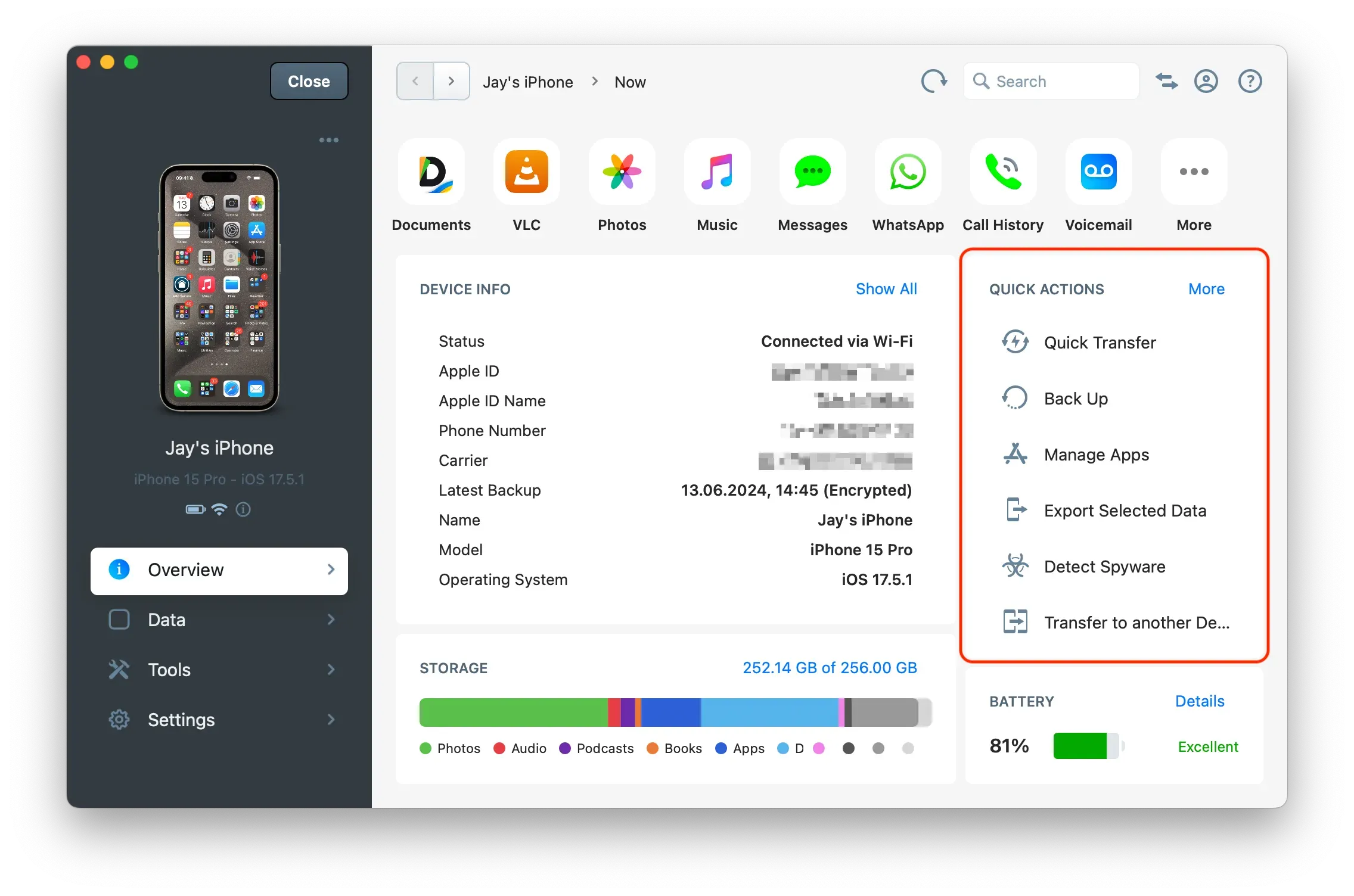
You can also access main tools and actions from the Quick Actions panel of the Overview section:
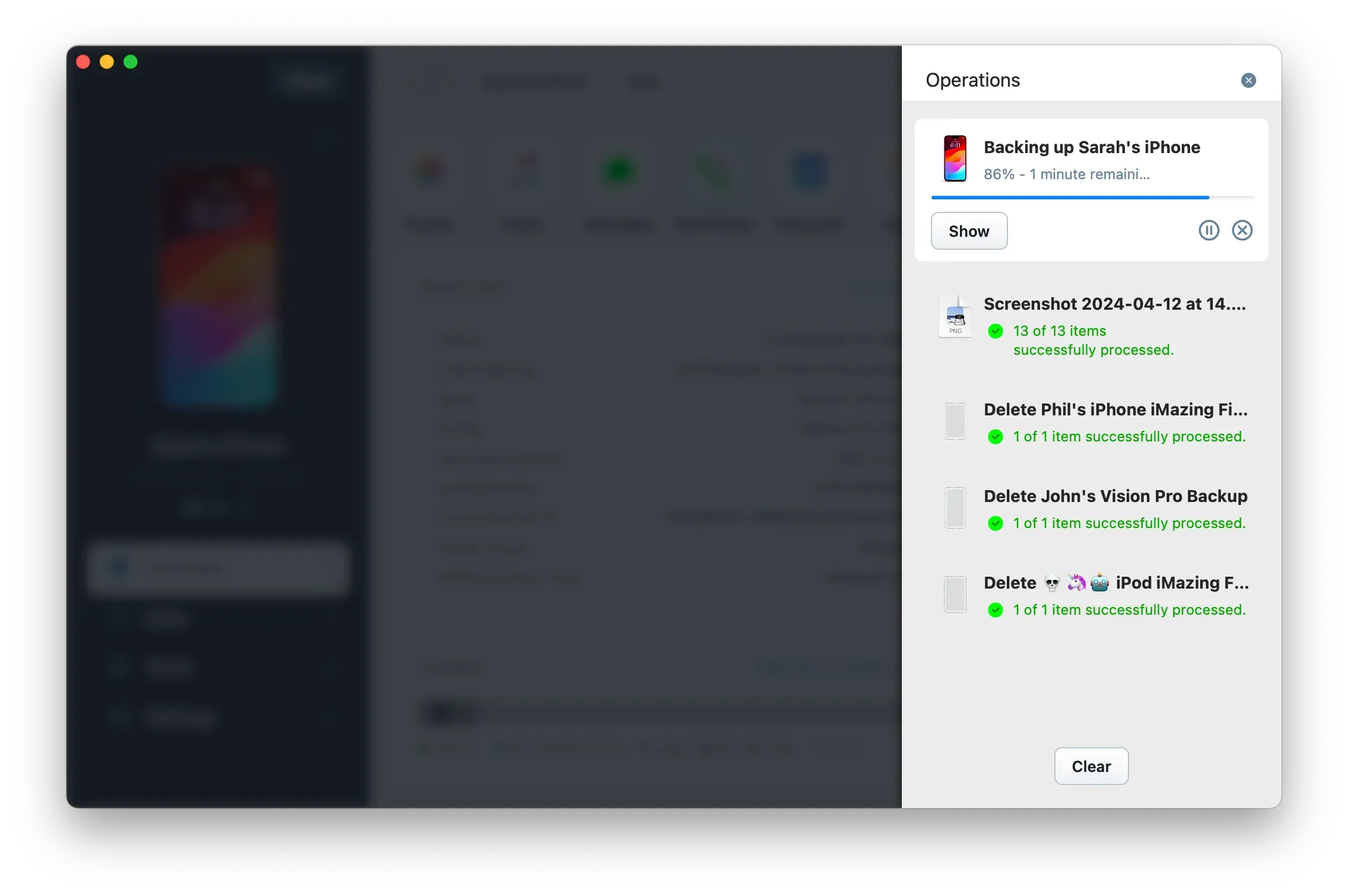
To view the status of ongoing and finished operations, open the Operations Panel.